


Three weeks after it launched a $2,499 tool-changing 3D printer, Bambu Lab is selling most of the same trick for less than half the price. The P3C, announced today, parks up to seven separate print heads in a rack and swaps them mid-print, so a single job can mix colors, soft and hard plastics, and fine and coarse nozzles. Bambu says it starts at $1,149. Early reviews say it mostly delivers. The catch is that Bambu took the motors out of the filament box. So the machine that changes heads by itself needs you to feed it every spool by hand.
Key points
- Bambu Lab launched the P3C on Nov. 24 at $1,149 (before tax) for a combo with five print heads, two empty slots for more, and a seven-spool filament box on top.
- Bambu says each material change takes as little as 6 seconds under optimal conditions; a China-Gadgets test measured an 8.8-second average.
- To hit the price, Bambu left the motors out of the new AMS 3P filament box, and reviewers at Tom’s Hardware, The Verge and BGeek all describe feeding or pulling back filament by hand.
- Reviewers say the payoff is fast color changes with far less wasted plastic than single-nozzle printers, but the machine needs about 1.2 meters (almost 4 feet) of height to open its lid.
What a tool changer actually changes
Most home 3D printers have one nozzle. To print in four colors, they pull one filament back, push the next one in, and purge the old color out of the nozzle, over and over, sometimes hundreds of times per print. That purged plastic piles up as waste, and the swaps can take longer than the printing itself.
A tool changer skips most of that. On the P3C, each “PrintTool” is a complete hot end with its own filament path and heater. Bambu’s launch post says the printer reads ahead, starts warming the next tool before it’s picked up, and resumes with the new material “in as little as 6 seconds.” The footnotes on the product page say that figure comes from internal testing “under optimal conditions” with PLA Basic filament. The same page lists a 3.4-second tool switch and a purge of 0.038 grams, both also internal numbers.
Independent timing came in a bit slower. German site China-Gadgets measured an 8.8-second average material change. That’s about 47% longer than the 6-second claim, but still far faster than a single-nozzle printer’s swap-and-purge routine. Heise’s c’t and Make team adds a caveat: a tool changer still prints a “prime tower” to bring each parked nozzle back to the right pressure, so waste drops but doesn’t vanish.
The spec sheet, and what Bambu cut
The P3C is the smaller sibling of the H3C that Bambu launched Nov. 3. Here’s how they compare, using Bambu’s specs and Tom’s Hardware’s and CGMagazine’s comparison tables:
| P3C | H3C | |
|---|---|---|
| Starting price (U.S., before tax) | $1,149 | $2,499 |
| Tool slots | 7 (5 tools included) | 9 (9 included, per CGMagazine) |
| Build volume | 256 × 256 × 260 mm | 330 × 320 × 325 mm |
| Max nozzle / bed temperature | 300°C / 110°C | 350°C / 120°C |
| Heated chamber | No | Yes |
| Filament drying | Optional 2-slot module | Built in |
| Motorized filament loading | No | Yes |
| Weight (with filament box) | 26.5 kg | 36.28 kg (Tom’s Hardware) |
Every included nozzle is hardened steel, so Bambu says carbon- and glass-fiber-filled plastics are fine. The printer supports 0.2, 0.4, 0.6 and 0.8 mm nozzles, and Bambu Studio can now plan a different layer height for each tool in one print. That’s how Bambu’s demo watch gets a fine 0.2 mm dial and a faster 0.4 mm case in a single job. Bambu says optional CutTool, DrawTool and DebossTool heads will let it cut, draw and deboss, for projects like a personalized card. Tom’s Hardware says those tools are coming “in the future.”
The motorless filament box
The new AMS 3P sits on top of the printer and holds seven spools in sealed compartments. Unlike earlier Bambu AMS units, it has no feed motors. Tom’s Hardware’s Denise Bertacchi says that “took the A right out of AMS”: you push each filament “all the way to the nozzle” by hand and pull it back out when you unload. The Verge’s Sean Hollister calls loading “a slow and surprisingly manual process” and “a step backwards.” BGeek’s reviewer says swapping all seven spools before a new job “quickly becomes a bit of a process.”
Bambu spokesperson Karlie Hou told The Verge the omission was deliberate, part of offering multi-head printing “at roughly half the price of the flagship H3C system.” Bambu says loading five tools takes about five minutes now, and that “in the next [software] update, we aim to shrink the total hands‑on time for loading five spools to under one minute.” That’s a promise, not a shipped feature.
There’s an upside. With no powered rollers, Tom’s Hardware says the AMS 3P runs “almost any 1kg or smaller spool without issue.” And if you keep your five or seven favorite colors loaded, you may rarely touch it.
What reviewers liked
The speed gain is real for jobs with lots of color changes. CGMagazine’s reviewer says a four-color model the Bambu H2S estimated at about 18 hours finished on the P3C in “a little over four hours,” with “only a few scattered pieces” of waste. On single-color prints, or prints where colors sit in separate layers, the P3C performed “roughly on par” with the H2S. CGMagazine gave it 8.5 out of 10.
Soft plastics are the other highlight. The P3C’s FlexFeed extruder can take an optional tool for thicker 2.85 mm filament, which Bambu pairs with very soft 75A TPU. Bertacchi printed 96 treads for a radio-controlled car project in two types of TPU with “no stringing at all and zero failures.” She called it “the future of printing with TPU.”
One spec claim doesn’t line up, though. Bambu’s press release says the 2.85 mm setup prints soft TPU “at up to five times the flow rate.” Its product page and blog say “up to 3×,” and the product page footnote says that’s compared with Bambu’s previous-generation machine running 1.75 mm filament in internal tests. We’d go with the footnoted 3× until Bambu explains the other number.
What reviewers didn’t like
Beyond manual loading, the complaints are mostly physical:
- Height. Bambu recommends about 1,212 mm (almost 4 feet) of vertical space so the filament box lid can open. Tom’s Hardware says a step stool “will be mandatory equipment for most people” on a countertop.
- Swapping tools. Bertacchi says changing tools means removing a fiddly front panel, with little room to work and sharp plastic edges that “left me bloodied on one occasion.”
- No heated chamber and no built-in dryer. The two-slot dryer is a $159.90 add-on, according to Tom’s Hardware, and the printer can’t reach the 350°C the H3C needs for materials like PPS.
- Slicer bugs, at least in beta. BGeek had a long print come out in the wrong colors while using a beta version of Bambu Studio, and suspects the software.
- Cloud. Heise notes Bambu’s “often-criticized cloud requirement remains unchanged.”
What it really costs
The $1,149 price is for the P3C Combo: printer, AMS 3P and five 0.4 mm tools, before tax, with free shipping. Bambu’s price list runs up from there:
| P3C bundle (U.S., before tax) | Before Dec. 3 | After Dec. 3 |
|---|---|---|
| P3C Combo (5 tools) | $1,149 | $1,149 |
| Multi-Colorist Combo (+2 tools) | $1,269 | $1,299 |
| Colorist Combo (+2 tools, 2 PLA spools) | $1,289 | $1,319 |
| Multi-Material Combo (+1.75 mm tool, +2.85 mm TPU tool, TPU spool) | $1,299 | $1,319 |
| Complete Experience Combo (adds filament, air purifier, stand) | $1,699 | No change listed |
For comparison, The Verge puts Bambu’s single-nozzle P2S Combo at about $800 and the four-tool Snapmaker U1 at $849. Tom’s Hardware says the U1 is on sale for $699 right now, and lists Creality’s four-tool K3 at $849. Hollister also points out that Bambu’s add-on print heads cost up to $100 each. So the jump from $1,149 to $1,269 buys you two extra heads, while the price climbs after Dec. 3.
Bambu says the P3C went on sale worldwide today. Bambu also says the printer and the AMS 3P ship separately and may arrive at different times. We didn’t find it listed on Amazon.com, so we have no Amazon link here.
Who should buy it, and who should skip it
Consider it if you print a lot of multicolor models, figurines or flexible TPU parts, and the purge waste and long color-change times on a single-nozzle printer drive you crazy. Every reviewer says that’s where the P3C earns its price.
Skip it if you mostly print in one color; CGMagazine found little speed gain there, and an $800 P2S Combo does that job for less. Skip it if you want a printer that loads itself, if it has to live under a cabinet, or if you need engineering plastics that require a heated chamber. And if Bambu’s cloud requirement is a deal-breaker for you, nothing here changes it.
What to watch
First, whether Bambu ships the update that cuts hands-on loading time for five spools to under a minute. If it does, the biggest complaint shrinks. Second, the CraftTool heads: a printer that also cuts and embosses paper is a new kind of machine, but nobody has reviewed those tools yet. Third, whether Bambu explains why its press release says five times the TPU flow rate while its own footnote says three.
Hype in. Signal out.
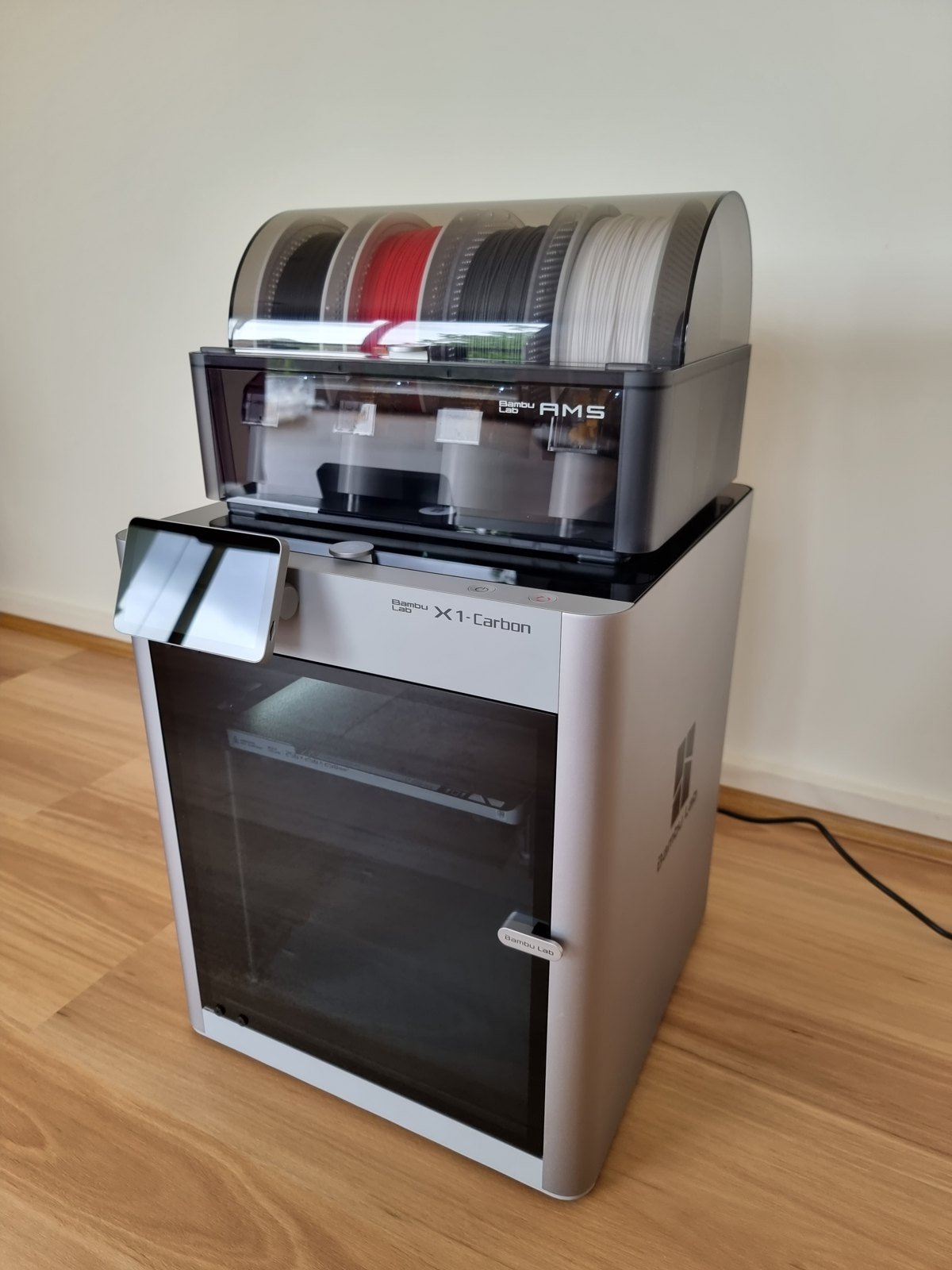
Lead image: a Bambu Lab X1 Carbon with an earlier, motorized AMS filament unit on top, not the P3C. Photo by Benlisquare via Wikimedia Commons, licensed CC BY-SA 4.0. Rotated and resized.