




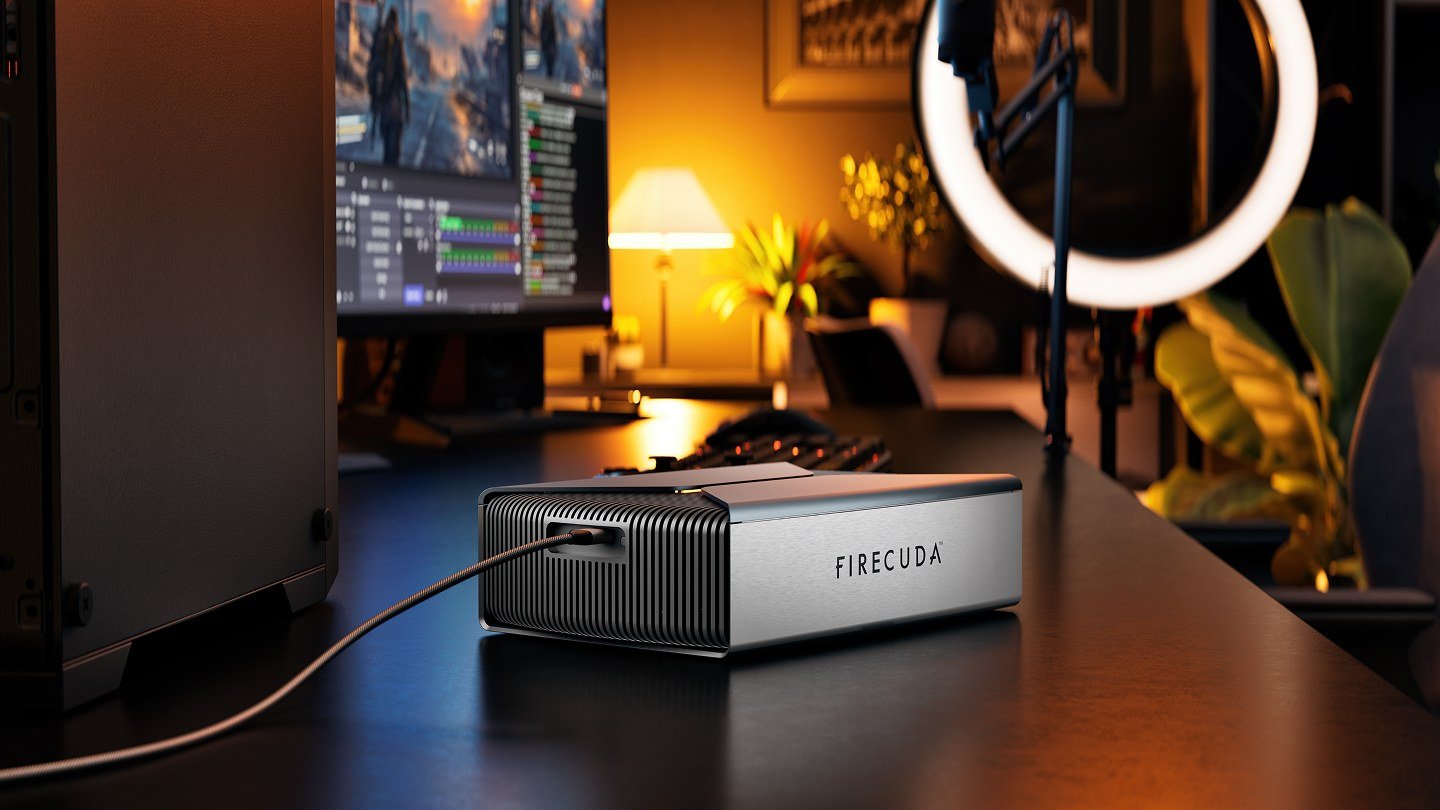
Seagate has a new external drive, and it arrives with a homework assignment. The FireCuda Forge pairs an 8TB or 20TB hard drive with an M.2 NVMe SSD slot, and Seagate’s new Alkemi caching technology keeps the files you use most on that SSD. You have to supply the SSD yourself, and the box won’t work until you do. Seagate announced it on Nov. 10 at $699 for 8TB and $899 for 20TB, and the first tests show both the clever part and the catch.
Key points
- Seagate says the FireCuda Forge, announced Nov. 10, 2026, costs $699 with an 8TB hard drive or $899 with 20TB, and neither price includes the NVMe SSD the drive needs to operate.
- Seagate says its Alkemi caching moves frequently used files to the SSD and reaches up to 2,500MB/s reads and 2,000MB/s writes over USB4.
- Early testers at TechRadar, Les Numériques and Hardware-Magazin measured big gains over plain hard drives on repeat work, but slower large-file copies, inconsistent game loads and an audible fan.
- It’s a desktop drive that needs its own power adapter, and Seagate says it uses at most 1TB of SSD space.
What Seagate is actually selling
The Forge is a desktop external drive, not a portable one. Inside is a 3.5-inch hard drive that you can swap for a bigger one later, plus an empty M.2 2280 slot on the side. It connects over USB4 and needs the included power adapter, so it can’t run from the cable alone. TechRadar lists it at 240.3 x 146.8 x 65.2mm, weighing 1.845kg for 8TB and 1.919kg for 20TB, or a little over 4 pounds. Seagate says it works with Windows 11 and macOS 26 or later.
The SSD has to meet Seagate’s rules. Its product page asks for an M.2 2280 NVMe drive, PCIe Gen3 or newer, rated for at least 2,400MB/s reads and 2,000MB/s writes, with DRAM cache recommended and “1TB maximum.” The drive’s Amazon listing says bigger SSDs fit, but the Forge only recognizes 1TB and the extra space adds nothing. It also warns that setup erases whatever is on the SSD. According to Tom’s Hardware, Seagate’s qualified list outside its own drives is short: Samsung’s 990 Pro and two WD/SanDisk models.

Once the SSD is in, the computer sees one drive, not two. Seagate calls Alkemi “dynamic caching” that learns how you use your data. Tom’s Hardware reports that Seagate’s review materials say it uses machine learning but stress that it is not generative AI. Seagate’s speed claim is up to 2,500MB/s reads and 2,000MB/s writes, a company number for the whole system, not the hard drive alone.
This idea is older than your phone
Seagate has done this before. Les Numériques points back to the Momentus XT of May 2010, hard drives of 500GB and 750GB with 4GB to 8GB of flash built in. What’s new is the size of the fast tier and the do-it-yourself part. A little math shows how much bigger it is:
| Setup | Flash (fast tier) | Hard drive | Fast tier as share of capacity |
|---|---|---|---|
| Momentus XT (2010) | 4GB to 8GB | 500GB to 750GB | Under 2% |
| FireCuda Forge 8TB + 1TB SSD | 1TB | 8TB | 12.5% |
| FireCuda Forge 20TB + 1TB SSD | 1TB | 20TB | 5% |
That last row is the trade-off nobody puts on the box. The 20TB model has more room, but its cache covers a smaller slice of it. Hardware-Magazin makes the same point: with a 1TB cap, the 8TB model has the better ratio, and a fuller drive makes it more likely that Alkemi has to fetch data from the slower disk.
What the testers found
Futureshock hasn’t tested the Forge. These results come from outlets that did. Tom’s Hardware says it got its unit only a couple of working days before the announcement.
TechRadar’s Alastair Jennings was the most enthusiastic. With the 20TB model and a 2TB PCIe 5.0 SSD Seagate supplied, he measured 2,248.52MB/s reads and 1,726.77MB/s writes in CrystalDiskMark. Copying just over 1TB from a camera card took about 12 minutes, against roughly 1 hour and 20 minutes on a standard hard drive. Editing a Premiere Pro project felt like working on an SSD. The limits showed up when he copied 4TB at once, switched between large projects, or loaded games, which took much longer than from his computer’s internal SSD.
Les Numériques found the same split. Its 8TB unit hit 2,315MB/s reads and 1,734MB/s writes in CrystalDiskMark, but a single 65GB file copied at 203MB/s reads and 474MB/s writes, against 163MB/s and 151MB/s for a plain external hard drive and 860MB/s and 704MB/s for an external SSD. Les Numériques concluded that Alkemi had kept that file on the disk. Game loading was the weak spot. In Forspoken, scenes took an average of 56.55 seconds, against 11.45 seconds on an internal SSD, and the same scene swung between 36.45 and 84.35 seconds. The tester also said the always-on fan was clearly audible on a quiet desk.
Hardware-Magazin saw very fast repeat reads, but could not reproduce Seagate’s 2,000MB/s write figure. Plain copies landed around 400 to 500MB/s, sometimes 800 to 900MB/s. It also flagged the fan. Tom’s Hardware’s Matt Safford, who has only run early tests, said the drive simply appeared in Windows 11 as one 8TB volume with no software setup. He noted that the plastic enclosure dissipates SSD heat with only a foil layer, and that the side where the SSD sits got noticeably warm but not hot.
The price, honestly counted
Seagate says the Forge is available now from its online store and authorized partners, and The Verge named Newegg and Best Buy. When Futureshock checked on Wednesday morning, Seagate’s own US product page said the item was out of stock. Before you add an SSD, the 8TB model works out to about $87 per terabyte and the 20TB model to about $45. The extra 12TB costs $200.
Then add the SSD. Les Numériques put a 1TB DRAM-equipped SSD at around €230 in France right now, and TechRadar cited £179 for Seagate’s own FireCuda X1070 1TB bought direct. With memory prices up because of AI demand, a spare SSD in a drawer is the cheapest way in. Tom’s Hardware’s comparison is blunt: SanDisk’s 8TB Desk Drive, an all-SSD external drive on a slower 10Gbps connection, was on sale for $999. Once you buy an SSD, an 8TB Forge isn’t far off that. At 20TB, there’s no single consumer SSD to compare against, which is why Tom’s thinks the bigger model makes more sense.
If you want one, Amazon lists both capacities as pre-orders with a Nov. 30 release date: Seagate FireCuda Forge 8TB · Seagate FireCuda Forge 20TB. Neither includes the SSD.
Who should buy it, and who should skip it
- Consider it if you shoot photo or video and dump big cards onto a desk drive, or you work on projects that fit in about 1TB at a time. That’s where reviewers saw the biggest gains.
- Consider the 20TB model if you need that much space in one box and already own a spare 1TB NVMe SSD with DRAM.
- Skip it if you want a game library that loads like an internal SSD. Les Numériques and TechRadar both measured much slower, and less predictable, load times.
- Skip it if you need a portable drive, a silent one, or one that runs from a single cable.
- Skip it if 8TB is enough and you’d have to buy an SSD anyway. Do the math against an all-SSD drive first.
Open questions
- What happens to data if the SSD fails? Seagate tells buyers to back up everything before swapping either the SSD or the hard drive, because Alkemi manages both together. The Seagate materials we read don’t explain recovery after an unplanned SSD failure.
- Do the 20TB model’s results hold as it fills up? Most published tests used the 8TB model, and Hardware-Magazin did not test the 20TB model.
- Will Seagate add more qualified SSDs, and will a firmware update ever use more than 1TB of cache?
Hype in. Signal out.
Images: The lead image is an official Seagate product image of the FireCuda Forge on a desk next to a PC. The second image is Seagate’s Alkemi illustration, a marketing graphic rather than a photo of the drive. Both come from Seagate’s FireCuda Forge product page, which Seagate’s Nov. 10 launch release names as its media-assets source; used here for editorial coverage of the launch.